🔍 What is MetaTrader 4 (MT4)?
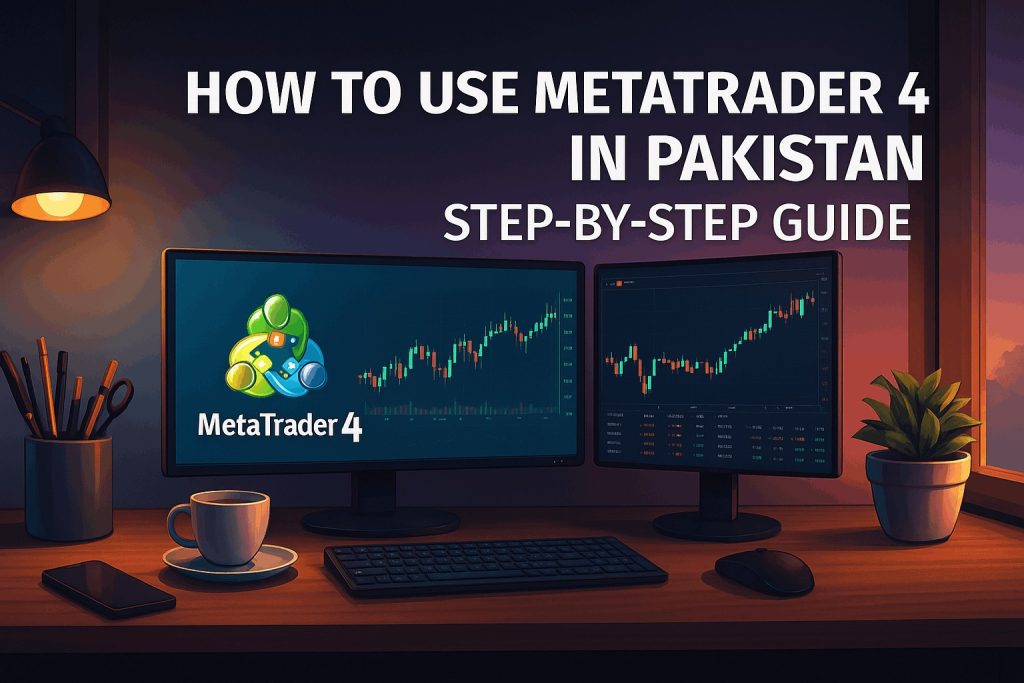
MetaTrader 4 (MT4) is a powerful trading platform used worldwide for forex, commodities, and CFD trading. It allows Pakistani traders to analyze markets, place trades, and manage risk — all in one app or desktop software. If you want to start forex trading in Pakistan, learning how to use MT4 is your first and most important step.
🧭 Step-by-Step Guide to Use MT4 in Pakistan
| 🔢 Step | 📝 Description |
|---|---|
| 1. Choose a Forex Broker | Pick a reliable MT4-supported broker in Pakistan (e.g., Exness, XM, FBS). Make sure the broker supports local deposit options like JazzCash and Easypaisa. |
| 2. Create a Trading Account | Go to your chosen broker’s website, register a real or demo account, and complete verification by uploading your CNIC and address proof. |
| 3. Download MT4 App | Download MT4 for Windows, Android, iOS, or Mac directly from your broker’s dashboard or the official MetaTrader website. |
| 4. Log In to Your Account | Open the MT4 app, enter your trading account number and password, and select the correct server name provided by your broker. |
| 5. Understand the Interface | Familiarize yourself with the 4 main screens: Market Watch, Navigator, Chart Window, and Terminal (Ctrl+T). |
| 6. Add Technical Indicators | Click Insert → Indicators to add technical tools like RSI, Moving Average, and MACD to analyze market trends. |
| 7. Place Your First Trade | Press F9 (or tap “New Order” on mobile), choose your lot size (volume), set Stop Loss (SL) & Take Profit (TP), and click Buy or Sell. |
| 8. Monitor Your Active Trades | Use the Terminal tab (Ctrl+T) at the bottom to view your open positions, running profit/loss, and margin levels. |
| 9. Close Your Trade | Right-click the active trade in the Terminal section and click “Close Order” to secure your profit or cut your loss. |
| 10. Practice with Demo First | Always start with a free demo trading account to practice strategy execution before depositing real USD. |
💡 MT4 Tips for Pakistani Traders
- ✅ Use Urdu tutorials on YouTube to understand technical analysis concepts easily.
- 📈 Backtest your trading strategies on historical data using MT4’s Strategy Tester on PC.
- 💰 Always verify your lot size (volume) and leverage ratio before opening any position.
- 🔐 Use a secure VPN or change DNS if your broker’s login website is temporarily blocked in Pakistan.
- 📱 Install MT4 Mobile App on your phone to track and manage your open trades on the go.
Best Brokers in Pakistan for MT4
| Broker Name | Minimum Deposit | Payment Methods | MT4 Support |
|---|---|---|---|
| Exness | $10 | JazzCash, Easypaisa, Local Banks | ✅ Yes (Recommended) |
| XM | $5 | Local Banks, Visa/Mastercard | ✅ Yes |
| FBS | $5 | Local Bank Transfer, Perfect Money | ✅ Yes |
Popular MT4 Indicators to Start With
| Indicator Name | Main Use (Fayda) |
|---|---|
| RSI (Relative Strength Index) | Identifies overbought (price too high) or oversold (price too low) zones. |
| Moving Average (EMA) | Shows the overall market trend direction (Up or Down). |
| MACD | Detects momentum shifts and potential trend reversal points. |
| Bollinger Bands | Measures market volatility and price channel ranges. |
MT4 for Mobile vs Desktop
| Feature | Mobile App (Android/iOS) | Desktop Version (PC) |
|---|---|---|
| Charting Tools | Basic (Limited screen space) | Advanced (Multiple monitors & layouts) |
| Indicators | Standard set only | Full range + Custom indicators supported |
| Order Types | Standard buy/sell orders | All advanced order types & scripts |
| Ease of Use | User-friendly (Good for monitoring) | Pro level features (Good for core trading) |
Common Mistakes to Avoid in MT4
- ❌ Using real money without practicing on a Demo account first.
- ❌ Ignoring SL/TP (Stop Loss / Take Profit) limits on your active trades.
- ❌ Trading high-impact economic news without proper risk preparation.
- ❌ Over-leveraging your account (using high lot sizes on a small balance).
Frequently Asked Questions (FAQs)
Is MetaTrader 4 free to use in Pakistan?
Yes, MT4 is 100% free to download and use. There are no fees for downloading the software or using its tools. You only need to deposit money with a broker to start live trading.
How can I deposit money in MT4 via JazzCash?
You cannot deposit directly inside the MT4 app. You must log in to your broker’s personal area (like Exness), make a deposit using JazzCash, and that balance will automatically show in your MT4 terminal.
Can I trade on MT4 without a broker?
No, MT4 is only a charting and trading terminal. You must have a registered account with a forex broker to connect MT4 to live financial markets.
What is the difference between MT4 and MT5?
MT4 is simpler and widely preferred for forex trading. MT5 is an upgraded version that supports stocks, futures, and advanced multi-threaded testing options.
Final Thoughts
MetaTrader 4 is a world-class platform that empowers Pakistani traders to start forex trading professionally from home. Practice well on a demo account, manage your risk properly, and keep learning.
Download MT4 for Pakistan:
- ✅ Windows: MetaTrader4.com
- ✅ Android: Mobile MT4
- ✅ iOS: App Store → Search MetaTrader 4
- ✅ Forex Trading PDF in Urdu